


CNC beginners with zero foundation operation, basic knowledge of machining centers for beginners
The startup steps of a CNC lathe are as follows:
(1) Turn on the main power switch of the electrical cabinet of the machine tool, connect the main power of the machine tool, the power indicator light will turn on, and the cooling fan of the electrical cabinet will start;
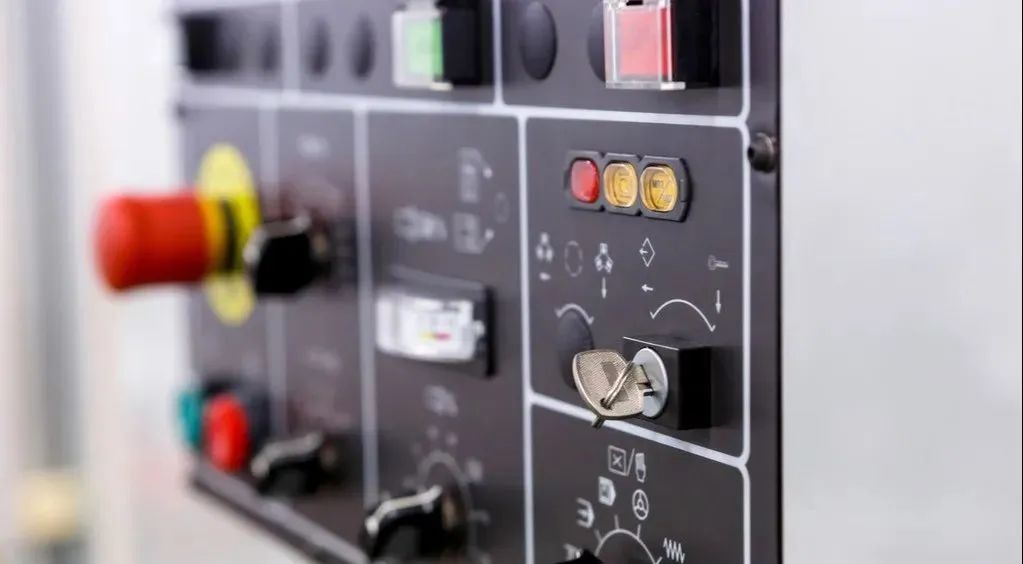
(2) Press the system power start [ON] button on the machine operation panel (press the [OFF] button when shutting down) to power on the CNC system. Wait for the monitor to work and display the initial screen;
(3) Release the [Emergency Stop] button (press the [Emergency Stop] button when shutting down) to power on the servo system.
(4) Shutdown is performed in the reverse order.
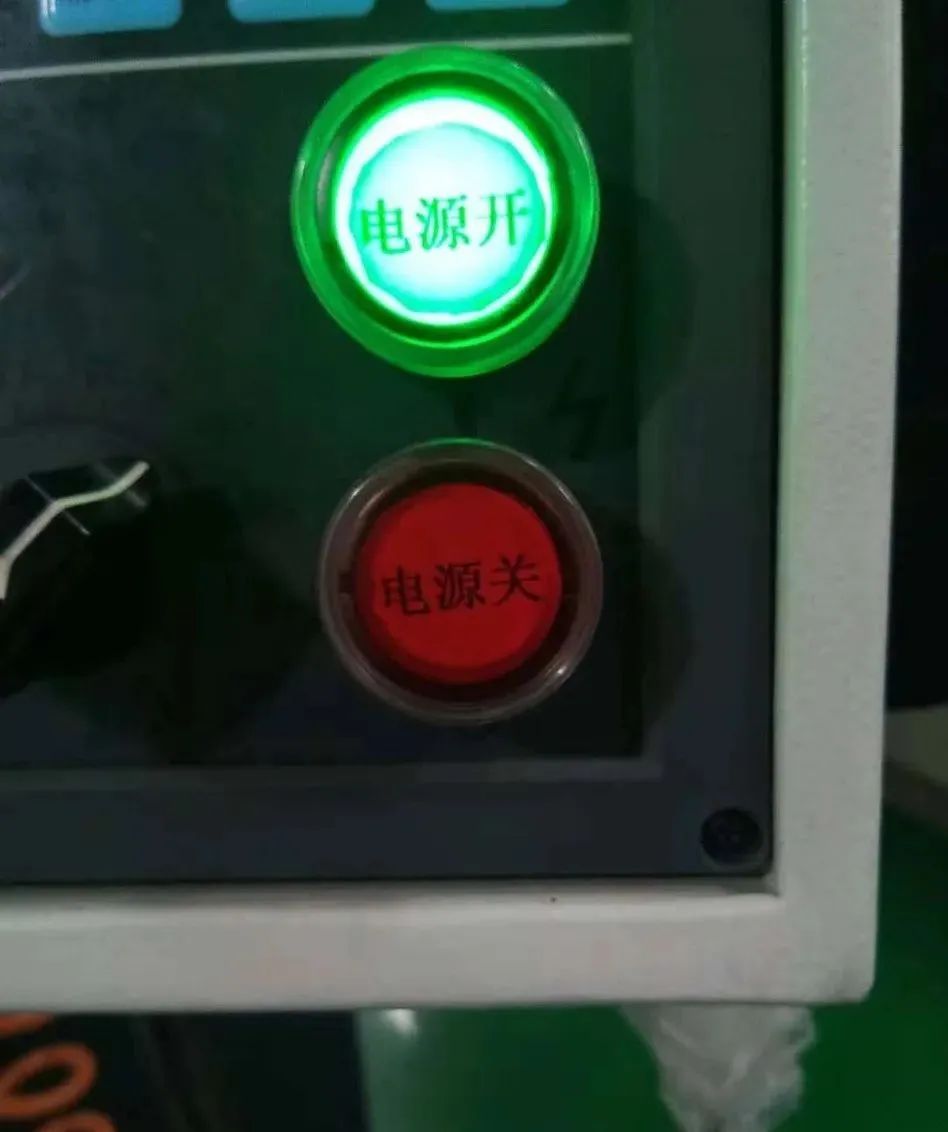
(2) The steps for returning to the reference point are as follows:
Set the working mode to the position of the "Return to Zero" button, and the indicator light of this button will light up. Press the "+X" button, and the worktable will move towards the reference point in a fast feed mode. After returning to the reference point, the "X Zero" indicator light will turn on. Press the [+Z] key to complete the operation of returning to the reference point in the Z direction.
2. MDI method for returning to the reference point
(1) Select the machine operation panel mode and press the MDI button;
(2) Select the program function 【 PROG 】 key on the CNC system panel;
(3) Select the [Insert] key on the CNC system panel and enter the command "G28 U0 W0";
(4) Press the CYSLE START button to start the program back to zero.
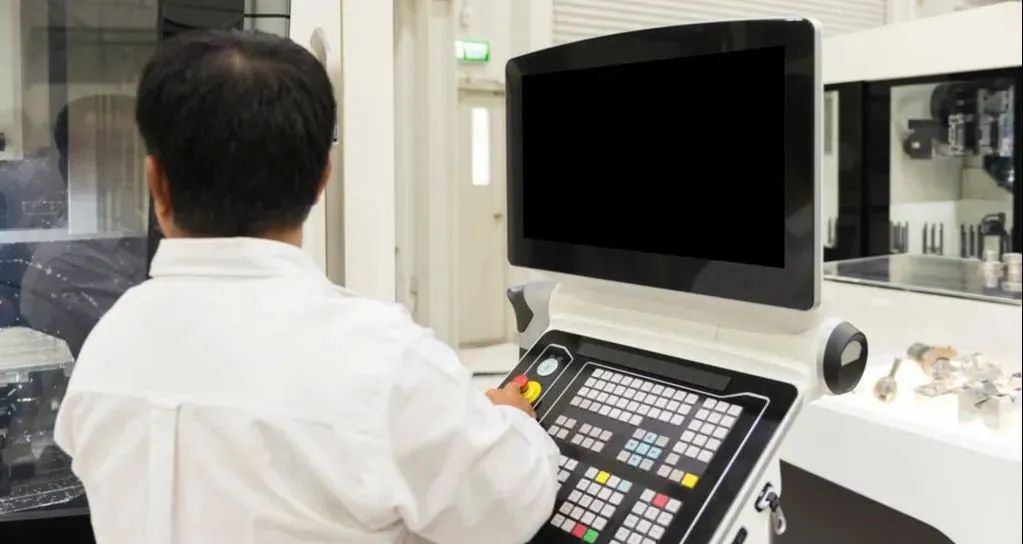
(3) Steps for relieving overtravel:
When the machine tool moves to the limit of the working range, it will press the limit switch, and the CNC system will generate an overtravel alarm. At this time, the machine tool cannot work. Numerical control lathes often use two methods to protect the machine tool: software overtravel protection and hardware overtravel protection.
When there is an overtravel in the X or Z axis, it will display "Error". Press the 【 MESSAGE 】 key to determine which axis is experiencing overtravel. (1) Set the working mode to manual 【 JOG 】 or handwheel 【 MPJ 】;
(2) Press the reset button on the CNC system panel (if there is an overtravel release button, hold down the button);
(3) If the+X direction overtravel occurs, select the opposite direction and press the 【 - X 】 key to move the tool holder to release the overtravel. The method for releasing overtravel in other directions is the same.
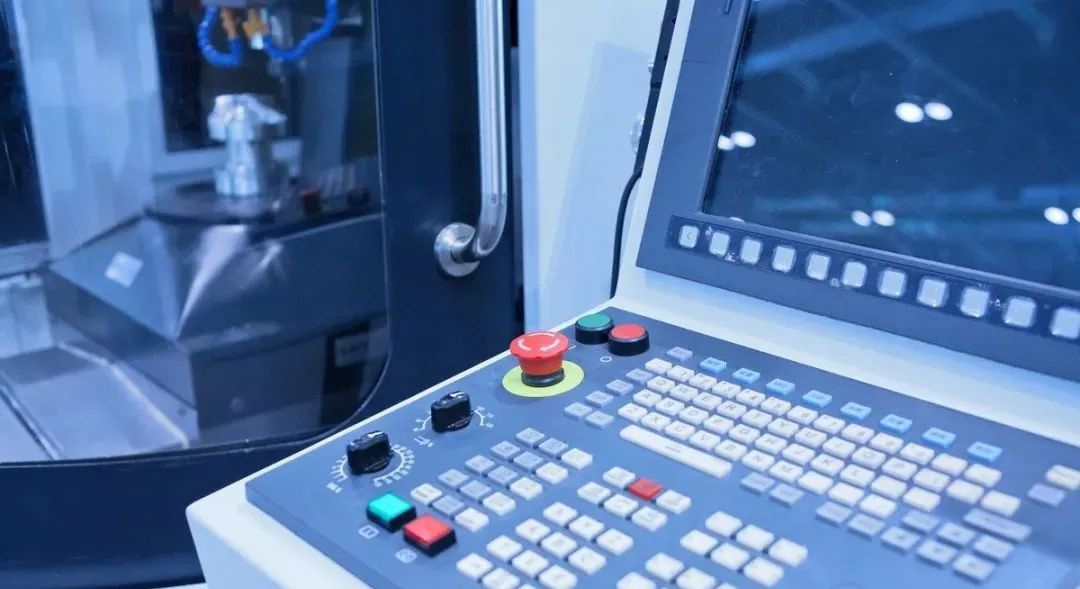
(4) Manual continuous feeding steps:
Set the working mode to manual [JOG] mode, and the indicator light of this key will be on. First, set the feed adjustment magnification, and then press [+Z] or [- Z], [+X] or [- X] to continuously move the coordinate axis; When feeding in manual [JOG] mode, holding down the [Fast Forward] button at the same time will produce rapid forward or negative motion of the corresponding axis.
(5) Hand wheel feed steps:
Place the working mode in the handwheel [MPJ] mode, and the indicator light of this key will light up. The steps to set the feed repair to release overtravel are as follows:
Adjust the magnification, select the axis to be moved. If the Z-axis needs to be moved, place the coordinate axis selection switch in Z gear, and select one step of the handwheel pulse generator clockwise or counterclockwise to control the Z-axis to move forward or negative by an incremental value. If pulses occur continuously, the Z-axis of the machine tool will be moved continuously. Move the X-axis and place the coordinate axis selection switch in the X position. Other operations are the same as Z-axis operations.
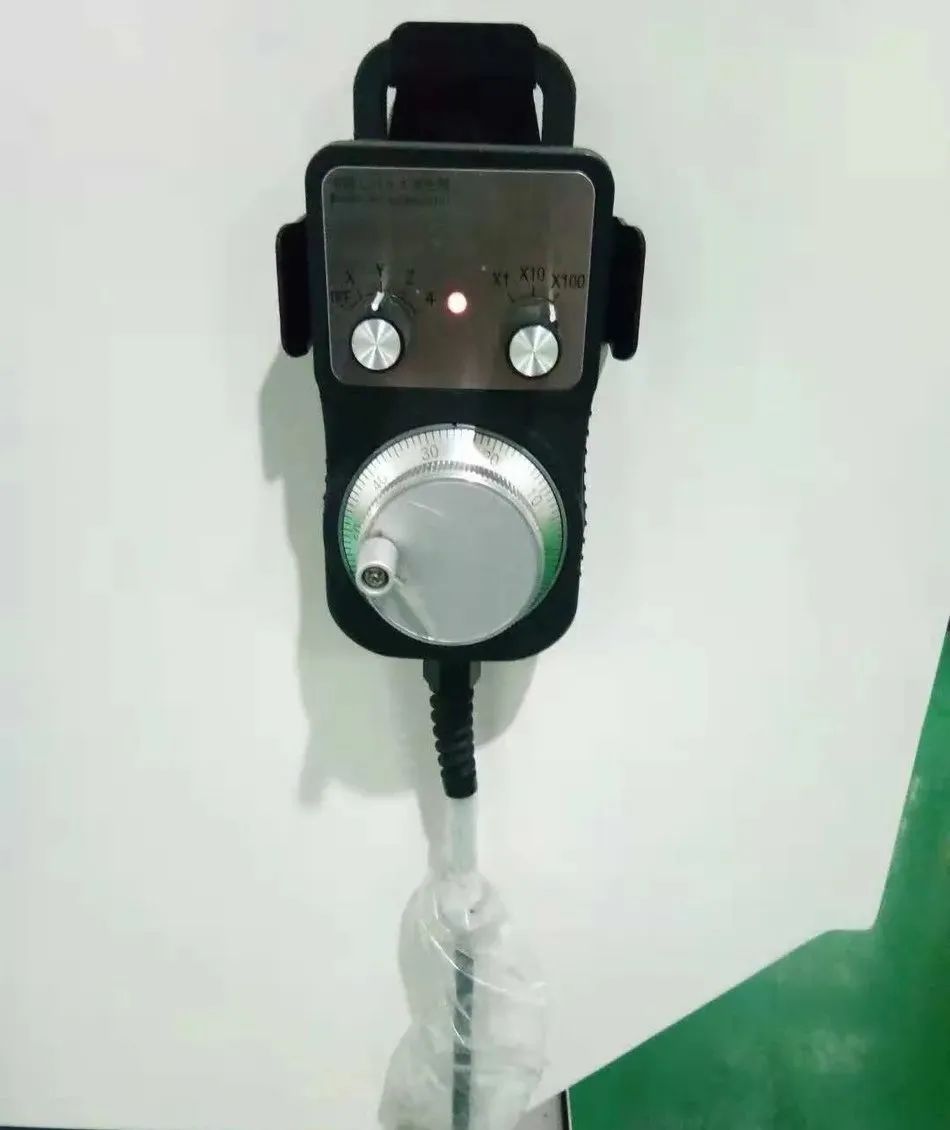
(6) The establishment steps of the program:
In the FANUC Series 0i Mate TD system, program creation requires first entering the program number and storing it, and then entering the program word. The specific operation is as follows:
(1) Open the program protection lock, set the working mode to the edit [EDIT] mode, and the indicator light for this key will be on;
(2) Press the program 【 ROG 】 key to enter the program editing screen, enter the address "O" and the program number to be created, such as O0001, press the semicolon 【 EOB 】 key, and then press the insert 【 Insert 】 key to create a new program O0001;
(3) Enter the words of each program segment in sequence. After entering each program segment, press the semicolon [EOB] key, and then press the insert [Insert] key until all program segments are entered. If the program word input is incorrect, press the cancel [CAN] key to cancel. Continuously pressing the cancel [CAN] key can cancel multiple words.
(7) Procedure editing steps:
The editing of programs includes operations such as modification, insertion, replacement, deletion, etc. The specific operations are as follows:
(1) Replace characters: Use the cursor movement keys to move the cursor to the character that needs to be replaced. After entering the character to be replaced, press the Replace button.
(2) Insert Character: Use the cursor movement key to move the cursor to the previous character to be inserted, enter the character to be inserted, and press the Insert button.
(3) Delete characters: Use the cursor movement key to move the cursor to the desired word to be deleted, and press the delete [DELETE] key to delete it.
(8) Procedure call operation steps:
Call the existing program in the memory to edit or prepare for automatic processing. The specific operation is as follows: set the working mode to the edit [EDIT] mode, and the indicator light of this key will be on. Press the program function button 【 PROG 】 and enter the program number, such as O0001. Press the down arrow key on the cursor to call the program. If the program exceeds one page, you can press the up and down page keys to view the program.


